
Image
Image Compression — Cut 70% With No Visible Loss
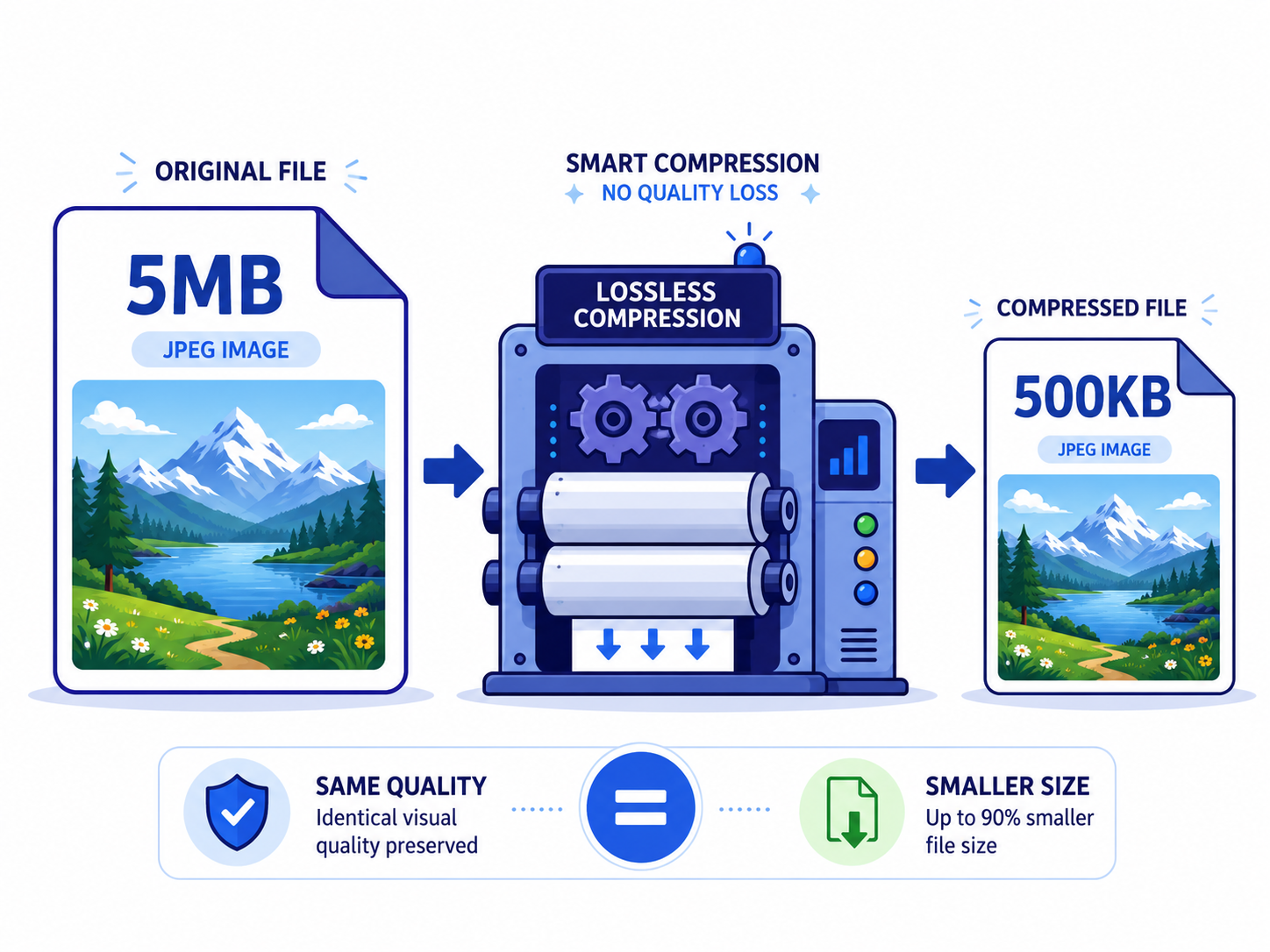
Smartphone cameras have gotten so good that a single photo routinely runs 5–10 MB. Five attachments and you've blown past Gmail's 25 MB limit. Cloud storage fills up fast. The good news: done right, you can shrink that photo by 50–70% with essentially no visible quality loss.
Why are photos so big in the first place?
A modern phone camera shoots at 48 megapixels. That's 4000 × 3000 pixels — 12 million pixels, three bytes each (RGB), totaling 36 MB raw. JPG already compresses it down to 5–10 MB, but that's still large for everyday sharing.
Here's the key insight: **most viewing surfaces never use that full resolution.** A phone screen is roughly 400 px wide. A laptop is 1500–2000 px. Even A4 print maxes out around 2480 px. Resizing alone — without touching quality — typically cuts the file by 70% or more.
Three ways to shrink (in order of effectiveness)
- 1
Resize (biggest impact)
4000×3000 → 1920×1440 means one-quarter the pixel count and roughly one-quarter the size. The quality drop is invisible on most screens.
- 2
Lower JPG quality
Going from quality 100 to 85 typically halves the file with essentially no visible difference. Below 70 you start to see compression artifacts.
- 3
Switch to a modern format (WebP, AVIF)
WebP is ~30% smaller than JPG at the same quality; AVIF is ~50% smaller. Trade-off: not all old systems display them properly.
Shrink one now
Upload → drag the quality slider → preview side-by-side → download. Everything runs in your browser, no uploads to anywhere.
Image CompressFormat comparison — same photo, same visual quality
Rough example for a 4000×3000 photo:
**Original JPG quality 100**: ~8 MB. **JPG quality 85**: ~2.5 MB (69% smaller). **WebP quality 85**: ~1.8 MB (78% smaller). **AVIF quality 85**: ~1.2 MB (85% smaller). Same visible quality, dramatically different file sizes — just by changing format.
Caveat: AVIF may not display in older mail clients or messaging apps. JPG for broadest compatibility, WebP for modern web, AVIF when you control the viewing environment.
Recommended settings by use case
- •**Email attachment**: long edge 1920 px, JPG quality 85 (~300–500 KB typically)
- •**Chat / messaging**: long edge 1080 px, JPG quality 80 (~100–300 KB)
- •**Website inline image**: long edge 1200 px, WebP quality 80 (~100–250 KB)
- •**Profile photo**: 1080 × 1080 square, JPG quality 90 (~200–400 KB)
- •**Cloud backup**: original size or long edge 4000 px, JPG quality 95 (preserve detail)
Frequently asked questions
Can I revert a compressed photo to the original?
No. JPG, WebP, and AVIF are all lossy formats — what's compressed away is gone. Always keep your originals as a separate backup.
What about PNG?
PNG is lossless, which makes it inefficient for photos (5–10× the size of JPG at equivalent visual quality). Use PNG for logos, icons, and graphics with text — not photographs.
Can I compress multiple photos at once?
EllyTools' compress tool handles up to 20 photos in one batch. Results come back as a ZIP.
Related tools
Do the thing this article describes.