
PDF & Files
Merging Scanned PDFs — Order, Rotation and Size
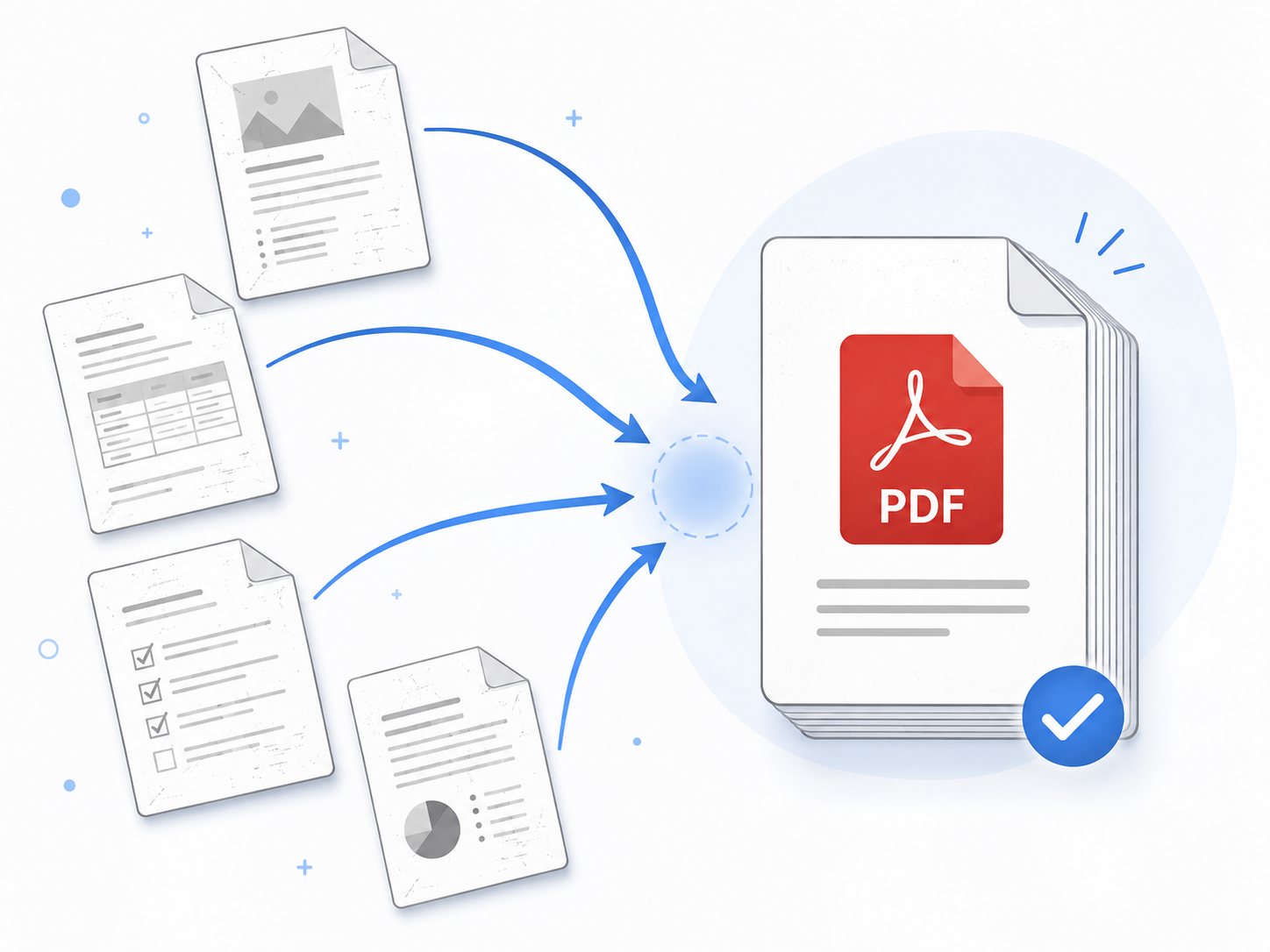
Your office scanner doesn't do double-sided, so you scanned one page at a time and ended up with 30 separate PDFs. Now you need to merge them, fix the few that came out sideways, and somehow keep the result under 25 MB for email. Here's the clean workflow.
Clean merge in 4 steps
- 1
Fix the filenames first
Scanner files are usually named 'Scan_20260508_001.pdf'. Merge tools combine in filename order — if your names sort wrong, your pages will too. Use zero-padded numbers (001, 002...) to guarantee sort order.
- 2
Rotate sideways pages individually
Open any PDFs that came out sideways and rotate them in your PDF viewer, then save. Bulk-rotating after merging is harder.
- 3
Merge in one pass
Upload the cleaned-up files together. Preview the order on the thumbnails, drag to reorder if needed, then merge. Usually under 5 seconds.
- 4
Compress the result
Merged scan PDFs balloon in size (slightly larger than the sum of inputs). Run the result through a PDF compressor to trim 30–70% off.
Try merging now
Drag and drop your PDFs, reorder visually, then merge. Everything runs in your browser — no uploads anywhere.
PDF MergeAvoiding rotation and order problems
When scanners process duplex originals one side at a time, even pages often come out rotated. Right after scanning, open each sideways file in your PDF viewer and rotate it correctly before merging — bulk-fixing after the merge is much harder.
If you're not sure about file order, use a merger that shows page thumbnails. EllyTools' merge tool shows previews and lets you drag-and-drop reorder before processing.
Frequently asked questions
Can I include JPG images in the merge?
Yes. Convert each JPG to PDF first with a JPG-to-PDF tool, then merge. Or use a tool that combines images directly into one PDF — same end result.
Can I merge password-protected PDFs?
Not directly. Remove the password first; protected PDFs can't be modified or combined with other files.
How do I delete specific pages from the merged file?
Use a PDF page-removal tool on the merged output — no need to re-merge from scratch.
Related tools
Do the thing this article describes.