
Image
Passport Photo Requirements by Country (2026)
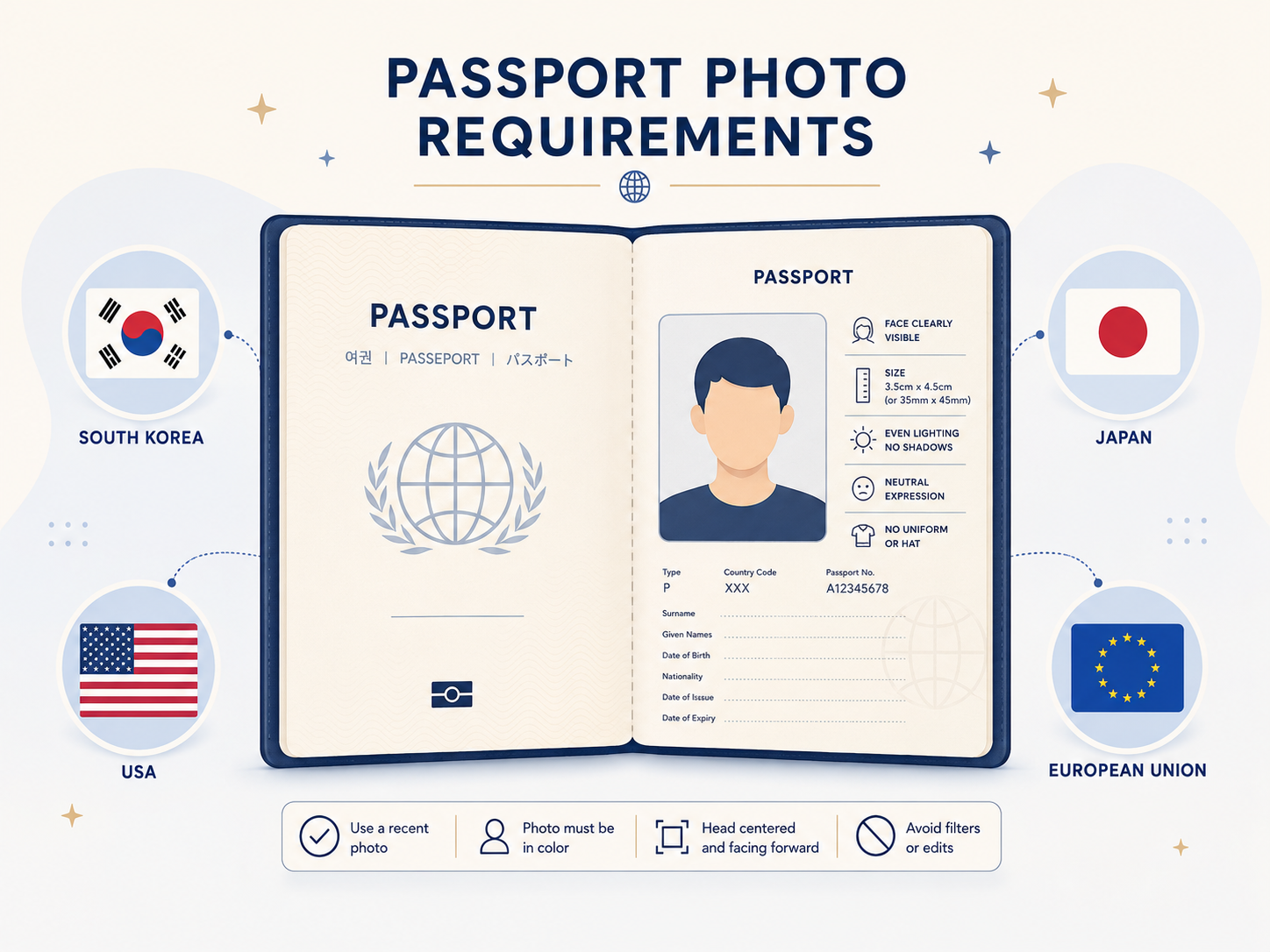
Can you make a passport photo at home and skip the photo studio? Yes — but every country has subtly different rules for dimensions, background, and expression. Get any of those wrong and the application gets bounced. Here's the cheat sheet for the major destinations.
Passport photo dimensions by country
All based on the ICAO standard but each country tweaks the details.
| Country | Size | Background |
|---|---|---|
| United States | 2 × 2 in (51×51 mm) | White or off-white |
| Korea | 35 × 45 mm | White |
| Japan | 35 × 45 mm | Plain, light |
| United Kingdom | 35 × 45 mm | Light grey or cream |
| EU / Schengen | 35 × 45 mm | Light grey |
| China | 33 × 48 mm | White |
| Canada | 50 × 70 mm | White |
| Australia | 35 × 45 mm | White or off-white |
Rules that apply almost everywhere
Nearly every country follows ICAO standards: face the camera, neutral expression (no smiling), both ears visible, no shadows, hair not covering the eyes. Get these right and you avoid 80% of rejection reasons.
Where countries diverge is the exact size, the head-to-frame ratio (typically the head occupies 70–80% of frame height), and whether glasses are allowed. The US banned glasses entirely in 2016; Korea allows them if there's no glare and the lenses aren't tinted.
Make one at home that meets spec
Upload a selfie and the tool auto-generates US, Korean, Japanese, and EU passport photos with the correct dimensions and a clean white background.
Passport Photo CropPre-shoot checklist to avoid rejection
- 1
Even lighting
Uneven lighting reads as shadow → rejection. Use natural light or two equally-bright sources from opposite sides.
- 2
Plain white wall
Patterned walls are out; matte white is best. If you don't have one, replace the background later with a tool.
- 3
Show your shoulders
Tight head shots get bounced. Frame at least to the top of the shoulders.
- 4
Remove glasses, hats, headbands
Korea allows glasses if there's no glare; the US and Japan don't allow them at all. Safest bet: take them off.
- 5
Within 6 months
If your appearance has changed significantly (weight, beard, hair color) you need a new photo.
Printed vs digital — how do you submit?
Korea, Japan, and most in-person passport applications expect a printed copy. A photo print service can produce 600 DPI prints from your digital file — kiosk machines in convenience stores work for this in many countries.
Online visa applications (US ESTA, EU ETIAS) accept only digital files, with strict requirements: typically JPG under 600 KB, between 600×600 and 1200×1200 pixels. Follow the specific application's spec — uploads outside the range get rejected automatically.
Frequently asked questions
Can I use a selfie?
Technically yes, but selfie-distance distorts faces (nose looks larger because the lens is close). Have someone else take it from at least 50 cm away for a safer composition.
What if I don't have a real camera?
Modern smartphone cameras are fine. Use the main lens (not the wide-angle) — wide-angle distorts facial proportions.
Are glasses always rejected?
Korea: usually OK if no glare, no thick frames, no tinted lenses. US and Japan: no glasses allowed, period. To be safe, just take them off.
How long is a passport photo valid?
Most countries treat the photo as valid for 6 months. If your appearance changes significantly afterward, you may need a new one even before the passport itself expires.
Related tools
Do the thing this article describes.