
Productivity
QR Codes — A Practical Guide for Business and Daily Use
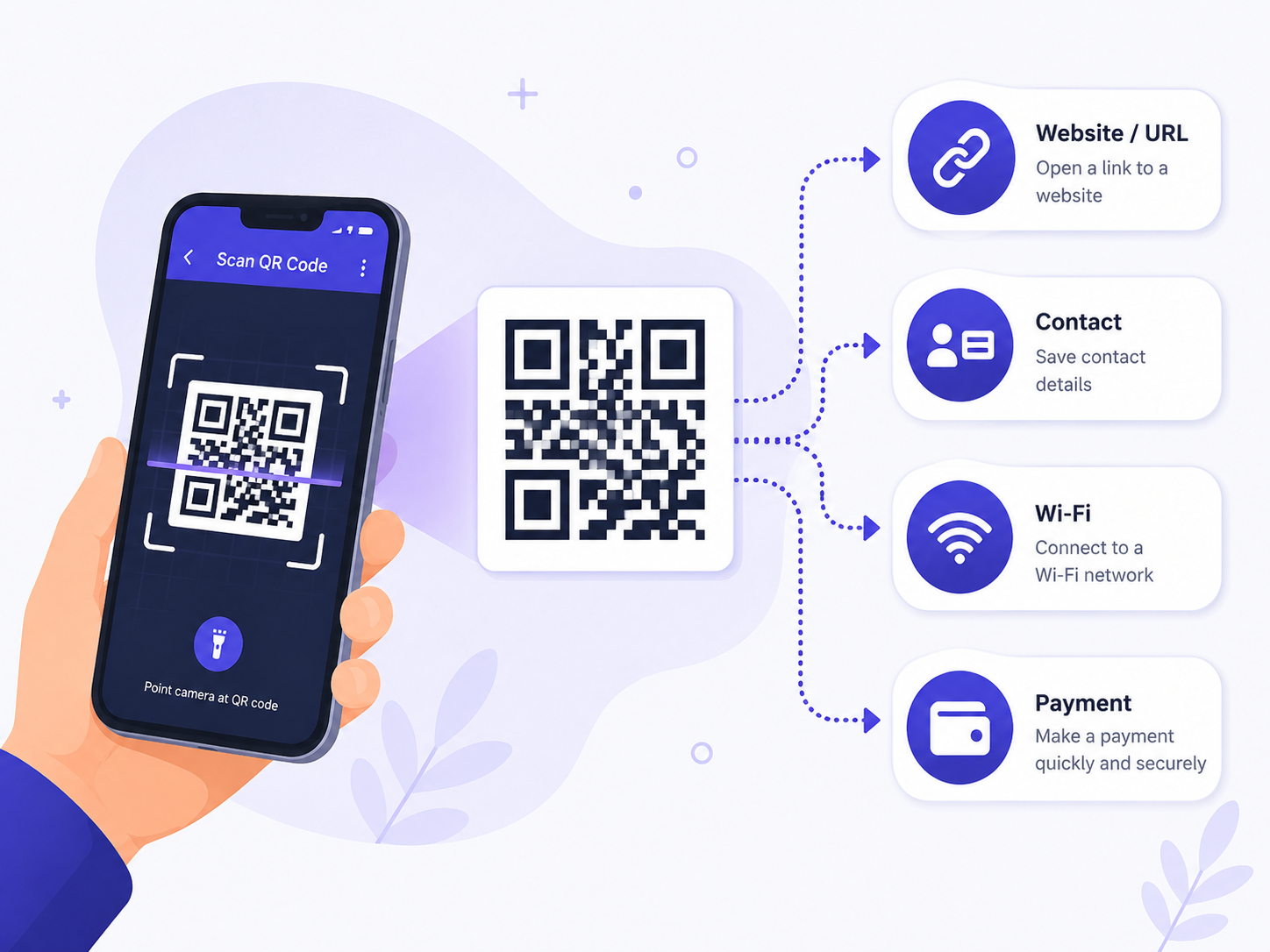
QR codes became part of daily life during the pandemic and never left. Restaurant menus, business cards, event tickets, WiFi sharing. Generating one takes five seconds, but the difference between a QR that scans every time and one that frustrates people comes down to a few practical choices.
Where QR codes actually shine
- •**Restaurant menus**: Paper-free, easy to update, supports translation
- •**Business cards**: vCard QR auto-adds contact info — no manual entry
- •**Flyers and posters**: Drive readers to detailed info pages
- •**Event tickets**: Fast scan-in beats paper check-in
- •**WiFi sharing**: Guests connect in one second without typing
- •**Product manuals**: Link to video tutorials right on the product
- •**Social follows**: Convert offline interest to digital followers
Four rules for QRs that scan reliably
- 1
Make them large enough
Minimum 2 × 2 cm for arm's-length scanning. Larger (10 cm+) for posters scanned from distance. Always leave 1 cm of white margin around the code.
- 2
High contrast colors
Black on white is standard. Colored QRs work if contrast is strong; red-on-pink fails. Test before printing.
- 3
Center logo, small
Place your logo in the center 10% of the QR. Error correction recovers the masked area. Too large and the code becomes unscannable.
- 4
Keep URLs short
Long URLs make denser, harder-to-scan QRs. Use a URL shortener — or a 'dynamic QR' service that lets you change the destination later.
Make a QR code now
Supports URLs, text, WiFi credentials, vCards, and more. Download as PNG or SVG. Color and logo customization included.
QR Code GeneratorStatic vs dynamic QR codes
**Static QR**: The destination URL is baked into the code. Free, never expires, but if you want to change the link you have to print new codes everywhere.
**Dynamic QR**: The code points to a short redirect (like goelly.com/abc123) and you can change the destination in a dashboard. Also tracks scan count, location, time. Costs $5–20/month for the redirect service.
Rule of thumb: business cards and stable menus → static. Marketing campaigns and trackable events → dynamic.
Frequently asked questions
Do QR codes expire?
Static QRs are permanent. Dynamic QRs expire when you stop paying for the redirect service — so don't use a free trial dynamic QR for a permanent print job.
Can QR codes track who scans them?
Static QRs can't — they just contain a URL. Dynamic QRs via redirect services collect scan time, device type, and rough location.
How do I make a WiFi QR code?
The string format is WIFI:T:WPA;S:NetworkName;P:Password;;. Most QR generators (including EllyTools') have a 'WiFi' type that builds this for you.
Related tools
Do the thing this article describes.