
PDF & Files
How to Reduce PDF File Size — 3 Methods That Actually Work
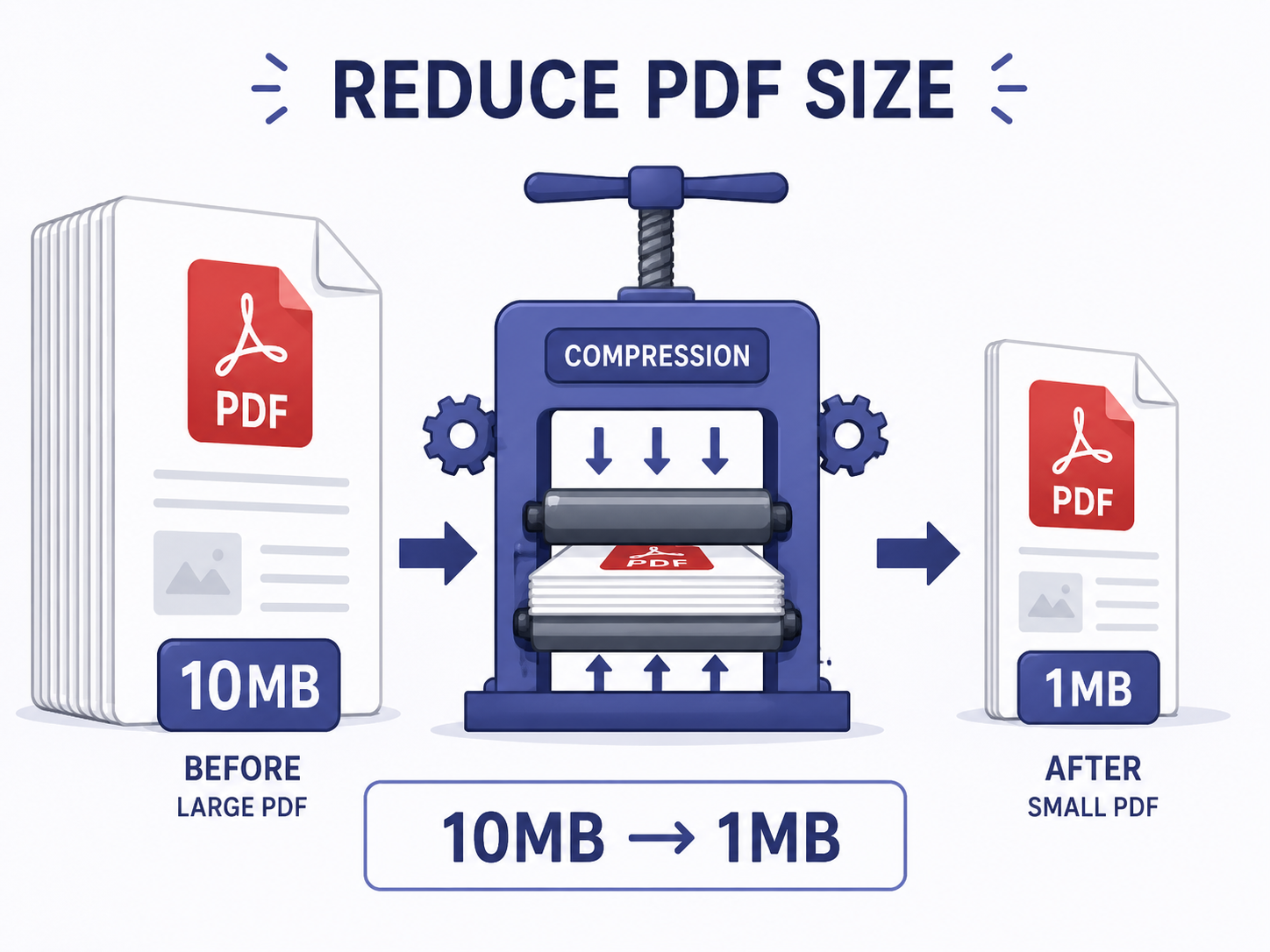
Scanned contracts, image-heavy reports, multi-page design proofs — they routinely run 20+ MB. Gmail caps attachments at 25 MB, Outlook at 20 MB, some corporate systems at 10 MB. Good news: most of that file size lives in embedded images, and there are predictable ways to cut it by 70% without anyone noticing.
Why PDFs get big — it's almost always images
Text-only PDFs stay under 1 MB even at 100 pages. A single-page scan can hit 5 MB because the page contains a high-resolution uncompressed image of the original.
PDF compression is really image compression. The tool re-encodes every embedded image at smaller dimensions and more efficient formats, while leaving text and vector graphics untouched. That's why your text never gets blurry.
Three ways to shrink a PDF
- 1
Use a dedicated compressor (easiest)
Upload PDF → pick compression level → download. Usually under 30 seconds. Text stays sharp; only the embedded images get re-encoded.
- 2
Remove unnecessary pages first
Blank pages from a bad scan, sales-pitch pages you don't need to send — strip those first for another 10–30% reduction.
- 3
Convert image-only PDFs to text
Run OCR on the scan, save the extracted text as a new PDF — 10 MB can become 100 KB. Doesn't preserve original layout, so only for documents where content matters more than appearance.
Compress one now
Upload your PDF → automatic compression → download within 30 seconds. Runs entirely in your browser — your document doesn't get uploaded anywhere.
Compress PDFWhen email still won't take it — split + compress combo
Shrinking a 100 MB PDF to 1 MB is hard, but splitting first makes it doable: divide a 100-page document into 10 chunks of 10 pages, then compress each. Or share via cloud link (Google Drive, Dropbox).
If your corporate system blocks cloud links too, packaging the compressed PDF in a password-protected ZIP can sneak it through filters. Send the password through a separate channel.
Frequently asked questions
Does compression hurt print quality?
Slightly, but invisibly for everyday office printing (A4 black-and-white or color). For design-grade print output (high-DPI four-color), keep an uncompressed master.
Can I compress a password-protected PDF?
Not directly — you have to unlock it first. PDF design intentionally prevents modification of protected files. Remove the password, compress, re-apply the password.
Can I batch compress multiple PDFs?
EllyTools' compressor supports batch processing. Results come back individually or as a ZIP.
Related tools
Do the thing this article describes.