
Image
Profile Picture Sizes — Instagram, X, LinkedIn, Discord
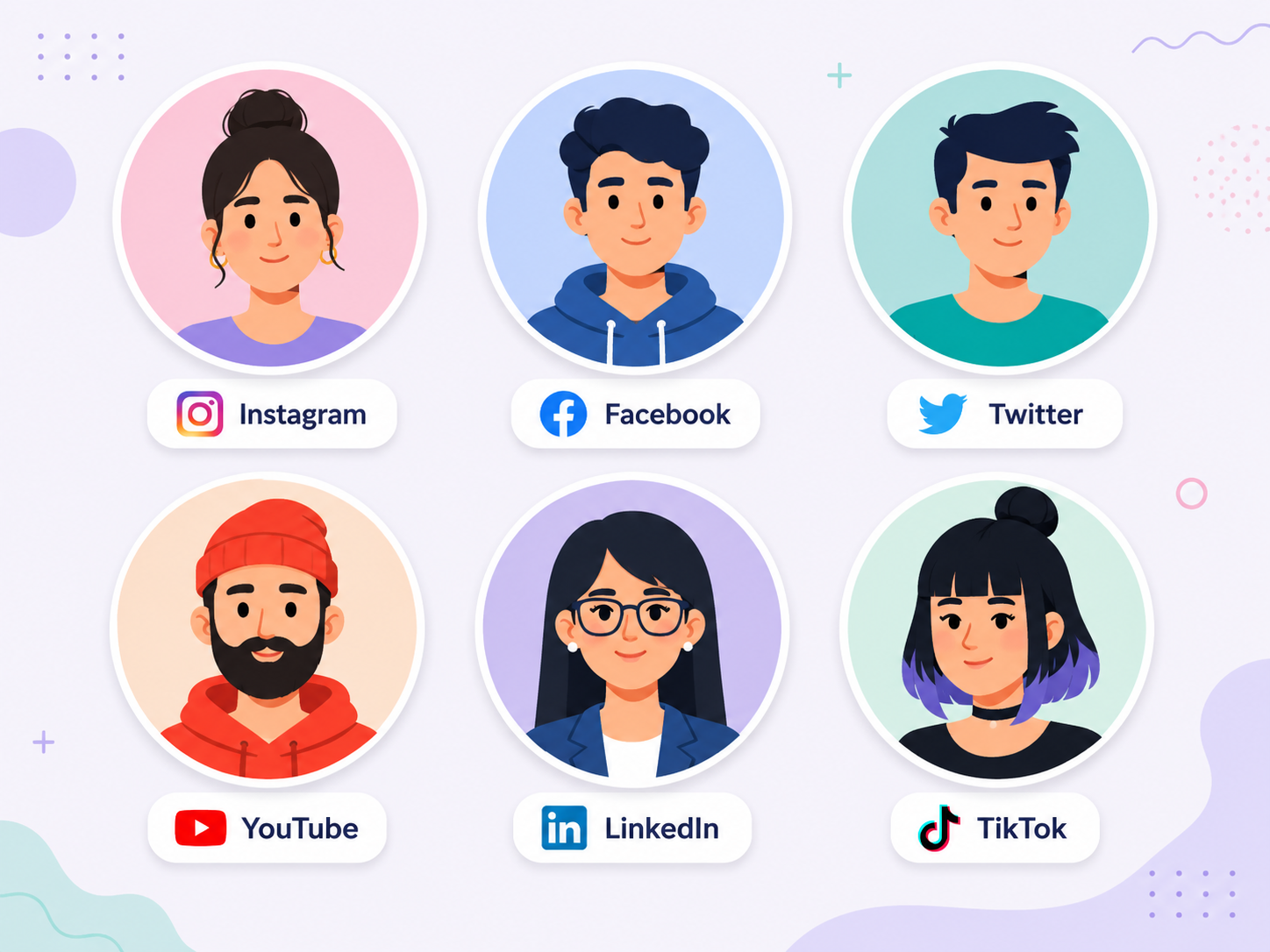
Ever uploaded a profile photo only to see the top of your head cropped off? Almost every social platform displays profile photos as circles, but the exact crop differs subtly platform to platform. Here's how to upload once and have your photo look right everywhere.
Recommended profile photo sizes by platform
Upload square; expect circular display almost everywhere.
| Platform | Recommended upload size | Display shape |
|---|---|---|
| 1080 × 1080 px | Circle | |
| 1024 × 1024 px (320 min) | Circle | |
| X (Twitter) | 400 × 400 px (min) | Circle |
| 400 × 400 px (200 min) | Circle | |
| YouTube | 800 × 800 px | Circle |
| Discord | 512 × 512 px | Circle |
| TikTok | 200 × 200 px (min) | Circle |
| KakaoTalk | 1000 × 1000 px | Circle (chat list), square (profile) |
How to frame for a circular crop
The circle is inscribed inside your square upload — so the four corners always get cropped off. Put anything important (face, logo) inside the central 70% of the square and leave decorative content in the corners.
Vertical edges also get slightly clipped on many platforms. Leave a little breathing room above the head and below the chin to be safe.
Preview before you upload
See exactly how your photo will look on Instagram, X, LinkedIn, KakaoTalk, and more — all from one upload. Catch awkward crops before publishing.
Profile Picture Preview5 rules for a strong profile photo
- 1
Start with a 1080×1080 square
Big enough for any platform. Downscaling keeps quality; upscaling doesn't.
- 2
Put face/logo in the central 70%
That's the region that survives a circular crop.
- 3
Simple background
Complex backgrounds become noise at thumbnail size. Plain colors or out-of-focus scenes work best.
- 4
High contrast
Should be readable on both light and dark backgrounds — light subject on dark bg or vice versa.
- 5
Test at thumbnail size
Resize to about 64px and look — if it's unrecognizable that small, simplify the composition.
Frequently asked questions
Can I use GIF or video profile photos?
Instagram, X, and KakaoTalk only allow stills. Discord Nitro (paid) supports animated GIFs. YouTube is also stills-only.
Why does my profile look blurry?
You probably uploaded a small original. The platform upscaled it, which softens detail. Re-upload at 800×800 or larger.
Is white background really better than colored?
Not necessarily — what matters is contrast with the platform UI (most are white or near-white). A colored background that contrasts well with both light and dark modes is fine.
Related tools
Do the thing this article describes.