
Productivity
How to Create Strong Passwords — 2026 Security Standards
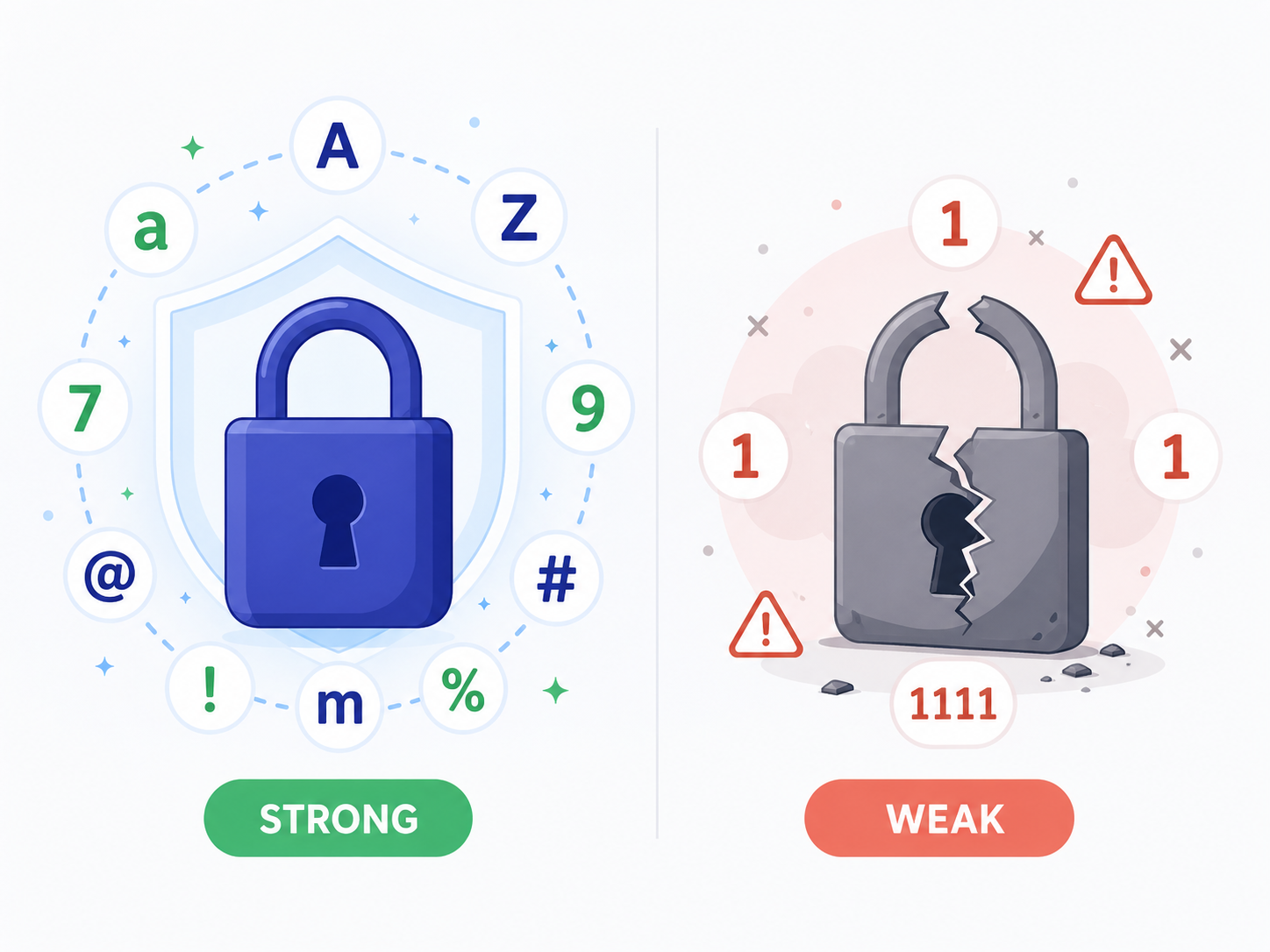
Have I Been Pwned reports the most common password is still '123456', followed by 'password', 'qwerty', and '111111'. With 2026 GPU performance, even 'Password123!' falls to a brute-force attack in under a second. So what does a truly secure password look like?
Why the old rules (1 upper + 1 number + 1 symbol) don't work anymore
The familiar 'minimum 8 characters, one uppercase, one number, one symbol' rule made passwords hard for humans without making them hard for computers. Patterns like 'Password1!' are exactly what cracking tools try first. A single modern GPU tests billions of guesses per second.
Current NIST guidelines emphasize length over complexity. 12+ characters is generally safe even without symbols; 16+ is effectively uncrackable by brute force.
Four rules for a strong password
- 1
Minimum 12 characters, ideally 16+
Length matters more than special characters. A long memorable password beats a short complex one.
- 2
Different password per site
If one site leaks, others stay safe. Use a password manager — you can't memorize 100 unique 16-character passwords.
- 3
Avoid personal info
Birthdays, names, pet names, phone numbers — all findable on social media.
- 4
Enable two-factor authentication (2FA)
More important than the password itself. App-based 2FA (Google Authenticator, Authy) beats SMS, which can be SIM-swapped.
Generate a secure password
Pick length and character set, get a random secure password instantly. Generation happens in your browser — the password never touches a server.
Password GeneratorPassphrases — memorable but just as secure
A passphrase of 4–5 random words ('horse battery staple chair lemon') offers similar security to a random 16-character password but is far easier to remember. The key is truly random word selection — don't pick favorite words.
XKCD made this famous: 'correct horse battery staple' has 44 bits of entropy and is easier to remember than 'Tr0ub4dor&3' which has only 28 bits.
Frequently asked questions
How often should I change passwords?
NIST no longer recommends periodic changes — change only on suspected compromise. Frequent forced changes lead to weaker passwords (incrementing numbers).
What if I lose my password manager's master password?
Most managers have recovery options (recovery codes, account-linked secondary authentication). Set these up immediately when starting.
Is writing passwords on paper safe?
For most threat models, yes — paper is offline. Just don't stick it to your laptop. A locked drawer or home safe works fine.
Related tools
Do the thing this article describes.