
Productivity
How to Type Faster — 40 WPM to 80 WPM in One Month
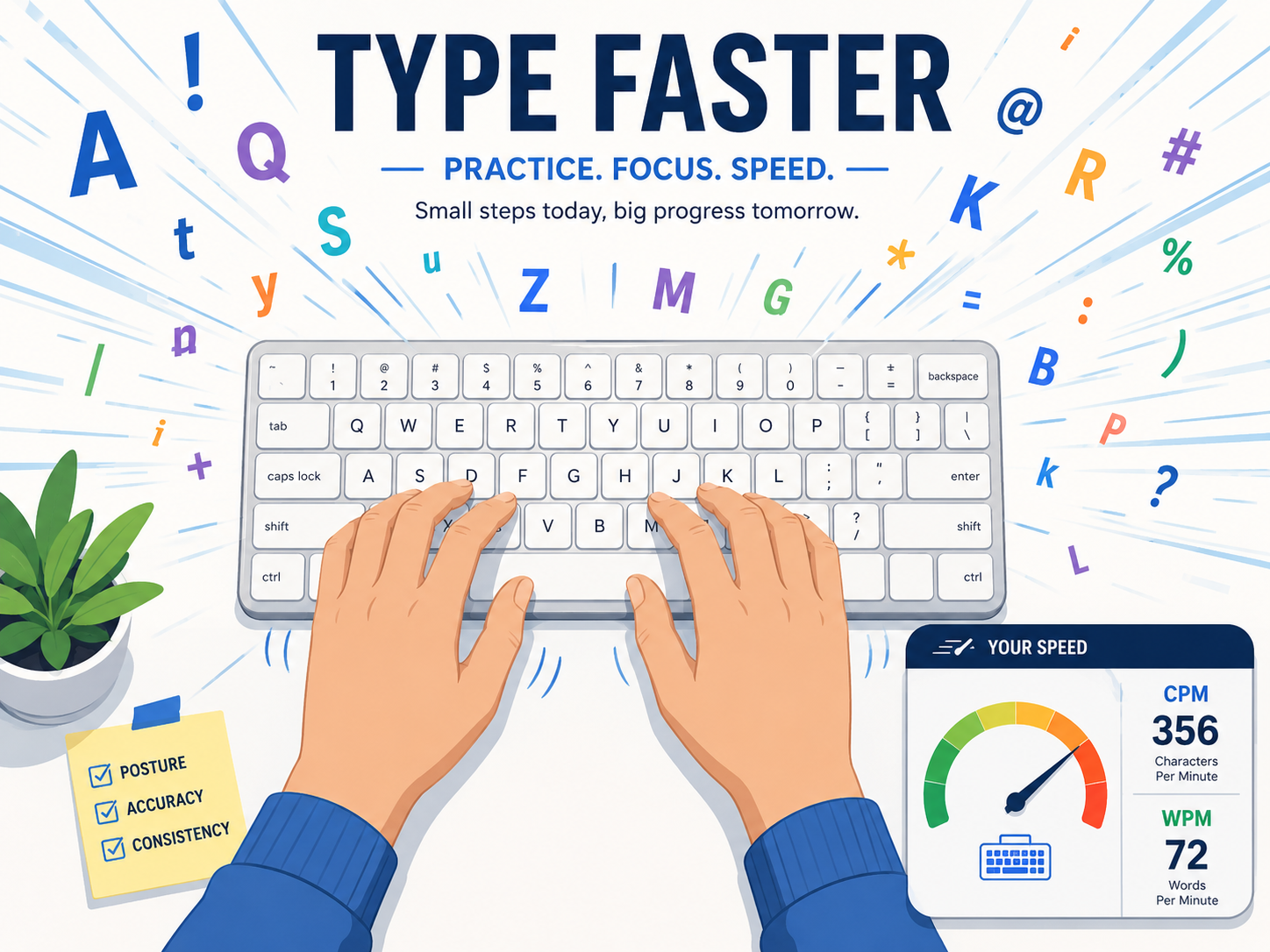
The average office worker types around 40 WPM. Get to 80 WPM and writing roughly matches the speed of thought — emails, documents, and chat all flow faster. Most knowledge workers save 1–2 hours a day at that level. Typing speed is one of the highest-ROI self-improvements you can make, and a month of focused practice gets there.
Why faster typing matters
Going from 40 to 80 WPM means writing the same content in roughly half the time. For someone who types 2–3 hours a day, that's an hour saved daily — 200+ hours per year you can spend on anything else.
More importantly: thoughts don't get interrupted by hunting for keys. Faster fingers mean deeper writing, more refined emails, and less context-switching cost. Especially valuable for writers, planners, and anyone who lives in long-form text.
Measure your current speed
60-second typing test with real-time WPM and accuracy. 13 languages including English, Korean, Japanese. Take it daily to track your trajectory.
Typing Speed Test40 → 80 WPM in a month
- 1
Week 1: Fix posture and hand position
Hands on the home row (ASDF / JKL;), never look at the keyboard. Speed drops at first — that's the point. By day 5–7 your fingers know where the keys are.
- 2
Week 2: 10 minutes a day, accuracy first
Practice on a typing site, but keep accuracy above 95%. Speed comes from consistency, not from racing past mistakes.
- 3
Week 3: Type real text
Copy passages from books, articles, your own writing. Real-world vocabulary builds muscle memory better than random word lists. 15–20 minutes daily.
- 4
Week 4: Measure and target weak keys
Retest your WPM. Analyze your error patterns — which keys do you miss most? Drill just those. Common culprits: t/y, b/n, comma/period.
Five habits that compound
**Stop looking at the keyboard.** Awkward for a week, automatic after that.
**Don't autocorrect mid-thought.** Don't ctrl-Z or jump back to fix typos in the moment — finish the thought, edit at the end. Maintains writing flow.
**Learn keyboard shortcuts.** Ctrl+Backspace deletes whole words. Ctrl+Arrow jumps by word. Tiny savings compound across the day.
**Decent keyboard.** Membrane → mechanical or low-profile mechanical reduces finger fatigue and lets you practice longer.
**Wrist health.** Wrist rest, 5-minute break per hour. Wrist pain derails all practice.
Frequently asked questions
Is 100+ WPM worth pursuing?
For everyday work, gains taper above 80 WPM. Court reporting, captioning, and competitive typing want 100+. For office work, 70–80 is the sweet spot.
Does this carry over to phone typing?
Different skills entirely. Phone typing uses thumbs and swipe-gesture input. Practice the two separately for best results.
Should I learn a different layout (Dvorak, Colemak)?
Marginal speed gains for the cost of re-learning everything. Stick with QWERTY unless you have wrist issues that Dvorak's ergonomics genuinely help.
Related tools
Do the thing this article describes.